VIDEOS UPGRADE PLR OFFER!
You Have The Prompt Playbook.
Now Provide Your Customers the Videos.
12 HD video modules. All 30 Prompt Playbook prompts covered. Plus, you get the professional slides, audio files, and transcripts in 5 formats. Full PLR included.
Add a complete video course to your product line without recording a single minute of footage.
Your Customers Bought the Ebook. Most of Them Haven't Used It Yet.
Here is the uncomfortable truth about ebooks: some people buy them, skim the first chapter, and never come back. The information is solid. The prompts work. But reading about prompt engineering and actually doing it are two completely different experiences. Some of your customers need explainer videos to discuss the prompts on screen, show the settings, explain the rules. That is what turns a reference document into a real skill.
This upgrade gives you the video course version of everything in The Prompt Playbook. Same 30 prompts. Same 12 chapters. 12 videos your customers can watch, listen to, and learn from.
A 12-Part Video Course. Great Companion to The Prompt Playbook Guide
Each video covers a specific content category, with dedicated prompts, rules, comparison tables, etc. The course follows a logical sequence: learn the foundations first, then apply them across every major content type, then polish and systematize your workflow.
Learn the Foundation
Modules 1-2: Identify AI patterns and master the four-part prompt framework
Create Content
Modules 3-6: Blog posts, social media, emails, and website copy
Go Deeper
Modules 7-8: Long-form content, case studies, sales pages, and proposals
Develop Voice
Modules 9-10: Professional writing and creative brand storytelling
Polish and Edit
Module 11: The Humanizer prompt, voice matching, and the AI content checklist
Build Your System
Module 12: Organize, iterate, and grow a personal prompt library
Here's Everything You Get:
12 video modules, 12 audio versions, 12 professional slide decks, and full transcripts in 5 formats per module. Over 40 minutes of focused training covering 30 prompts across 10 content categories. Every file is ready to rebrand, resell, or deploy the moment you download.
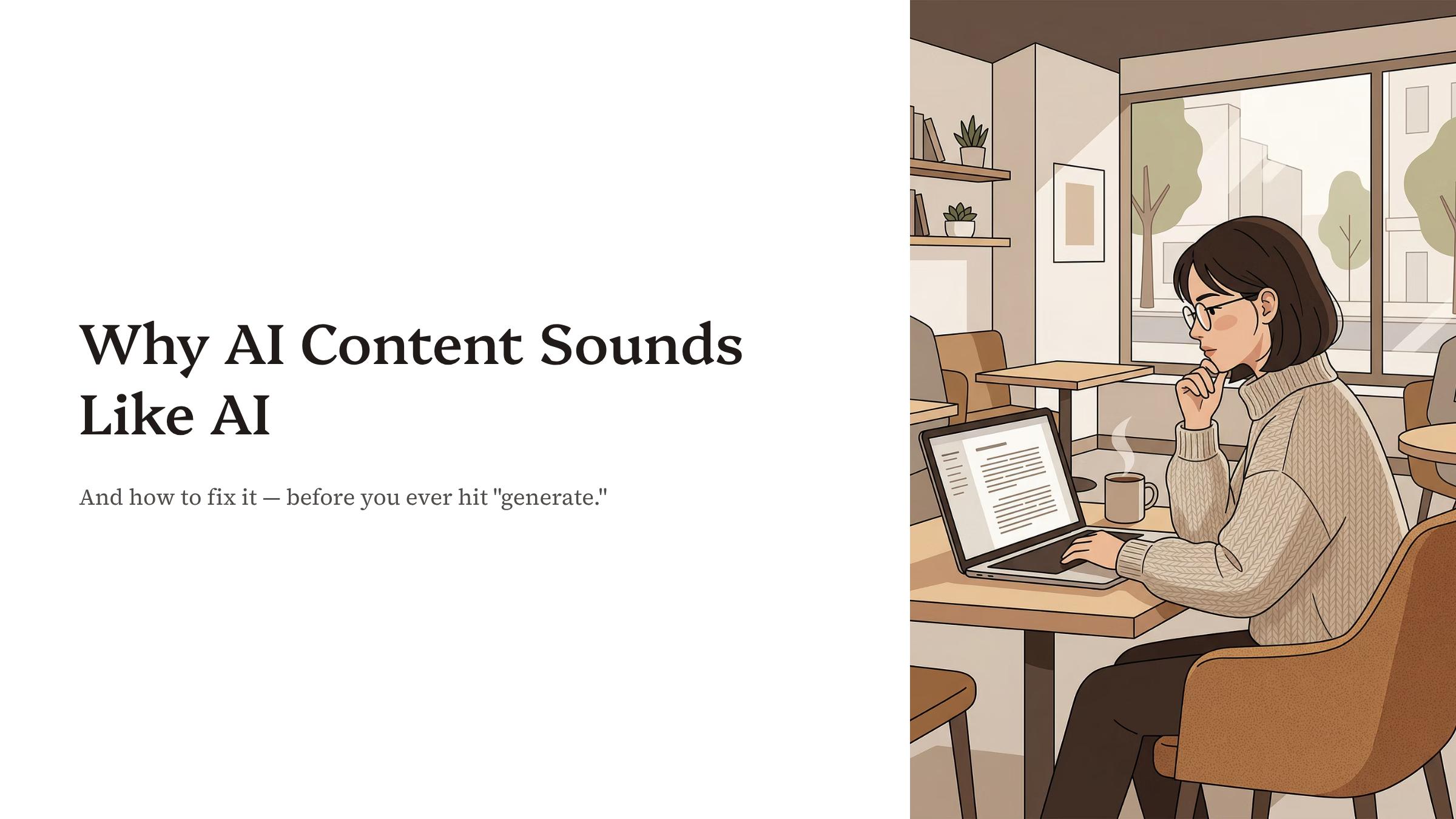
The 4 Patterns That Make AI Writing Instantly Recognizable
The awareness video that makes every prompt after it work better
Before your customers write a single prompt, they need to see why AI output sounds the way it does. This module breaks down the four specific patterns that give AI writing away: excessive transitional phrases, overly formal vocabulary, perfectly parallel sentence structures, and constant hedging. The video uses side-by-side comparisons ("utilize" vs. "use," "it is imperative that" vs. "you need to") so the differences are impossible to miss.
- Identifies the four telltale AI writing patterns with real before-and-after examples on screen
- Teaches the four-element prompt framework used throughout the remaining 11 modules
- Includes the restaurant analogy that makes prompt specificity click instantly
- Video, audio, professional slides (PPTX + PDF), and transcripts in 5 formats
Formats: MP4 Video, MP3 Audio, PPTX Slides, PDF Slides, PNG/JPG Slides, DOCX, MD, TXT, SRT, VTT
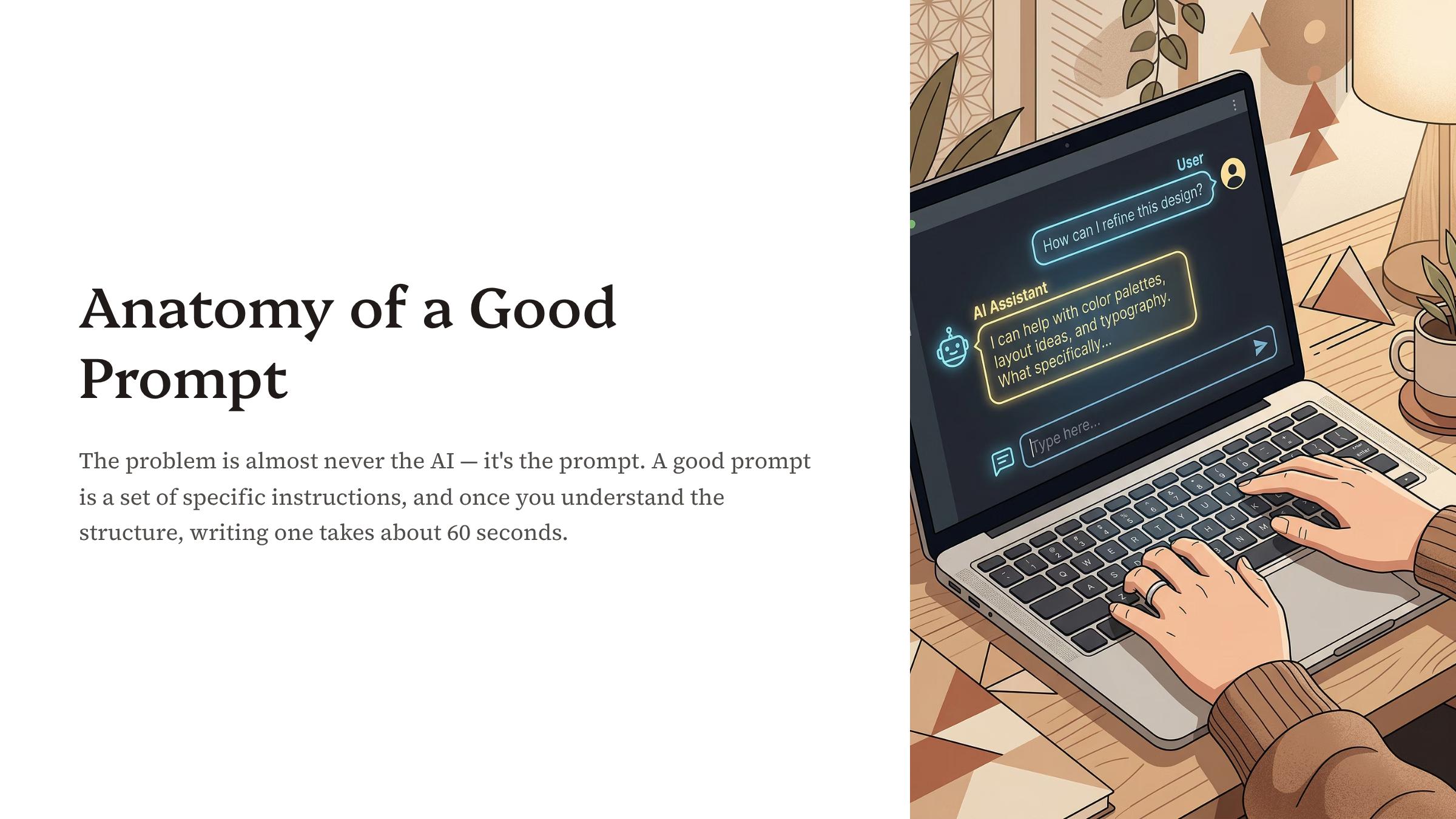
The Role-Task-Constraints-Format System Behind Every Prompt
The structural foundation for the entire course
This is the framework video. Your customers learn the four-part prompt system (Role, Task, Constraints, Format) that turns vague AI requests into precision-targeted instructions. The video walks through each component with real before-and-after examples, showing exactly how "write about marketing" becomes a specific, high-quality output when you add role assignment, task clarity, constraint boundaries, and format instructions.
- Teaches the Role-Task-Constraints-Format system with concrete examples on screen
- Demonstrates the dramatic difference between vague and specific prompts with side-by-side comparisons
- Covers tone, audience, and structure specification for near-zero editing time
- Includes a hands-on exercise: rewrite three weak prompts and compare outputs
Formats: MP4 Video, MP3 Audio, PPTX Slides, PDF Slides, PNG/JPG Slides, DOCX, MD, TXT, SRT, VTT
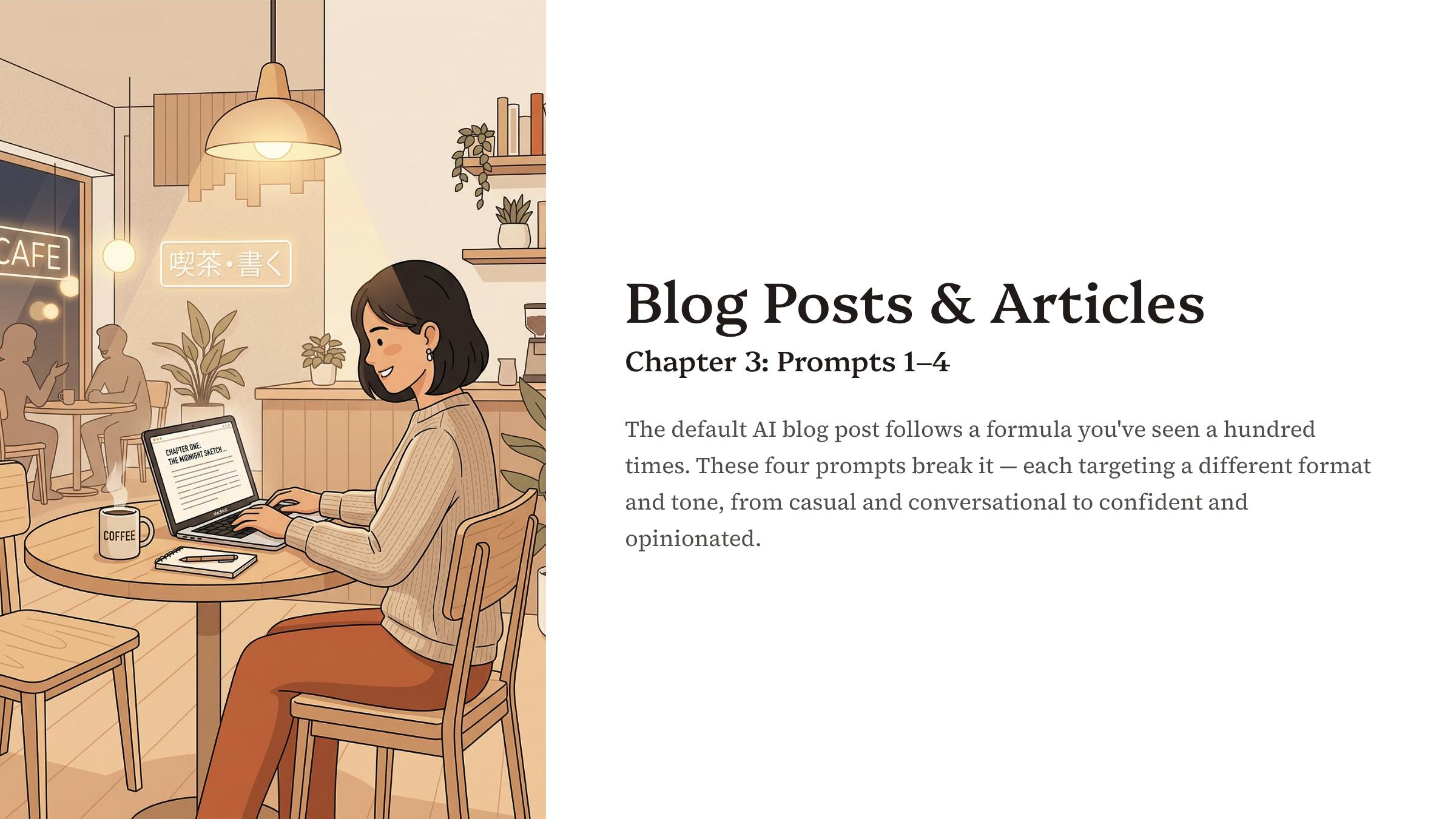
4 Blog Prompts: Conversational, How-To, Opinion, and Listicle
Where the framework meets real content for the first time
Four distinct blog formats, four ready-to-use prompts, each targeting a different writing style. The video demonstrates a conversational blog prompt for building reader connection, a how-to article prompt for step-by-step authority content, an opinion piece prompt for bold thought leadership, and a listicle prompt that adds personality to scannable content. Each one includes specific rules, dos and don'ts, and a format comparison table shown on screen.
- Prompt 1: Conversational blog post with warm tone, short paragraphs, and rhetorical questions
- Prompt 2: Authoritative how-to article with numbered steps and expert clarity
- Prompt 3: Opinion piece that takes a clear stance and engages counterarguments
- Prompt 4: Listicle with mini-stories and unexpected angles in each item
- Includes a format comparison table so your customers match blog style to content goals
Formats: MP4 Video, MP3 Audio, PPTX Slides, PDF Slides, PNG/JPG Slides, DOCX, MD, TXT, SRT, VTT
Platform-Native Prompts for LinkedIn, Instagram, X, and Facebook
One topic, four platforms, four completely different posts
Same topic, four platforms, four completely different outputs. This module teaches your customers how to tailor AI prompts for each major social network. The video walks through voice, length, structure, and audience expectations that make content feel native to each platform, not like a generic post copied everywhere.
- LinkedIn: professional yet conversational posts with personal insights and clear calls to action
- Instagram: casual, authentic captions with strategic emoji use and relevant hashtags
- X (Twitter): concise threads where each tweet hooks the reader into the next
- Facebook: warm community posts that spark conversation through questions and shared tips
- Quick-reference comparison chart with word counts, tone guidelines, and platform-specific rules
Formats: MP4 Video, MP3 Audio, PPTX Slides, PDF Slides, PNG/JPG Slides, DOCX, MD, TXT, SRT, VTT
4 Email Prompts: Welcome, Newsletter, Sales, and Re-Engagement
Emails that feel like they were written by a real person
Four email types your customers will use constantly: the welcome sequence opener, the personal newsletter, the non-pushy sales email, and the re-engagement message. Each prompt comes with specific rules for tone, structure, and what to avoid. The video emphasizes emails that feel like they were written by a person who actually cares about the reader, not by a marketing automation tool.
- Welcome email: subject lines under 10 words, single clear CTA, warm personal sign-off
- Newsletter: first-person voice, leads with a story, flowing paragraphs instead of bullet points
- Sales email: leads with empathy, introduces the product as a solution, includes social proof
- Re-engagement: honest, non-judgmental tone that respects the subscriber's inbox
- Each prompt includes banned phrases and specific rules to avoid robotic email copy
Formats: MP4 Video, MP3 Audio, PPTX Slides, PDF Slides, PNG/JPG Slides, DOCX, MD, TXT, SRT, VTT
High-Converting Copy for Hero Sections, About Pages, Products, and FAQs
The four website sections that make or break conversions
Four website sections, four prompts, each targeting the copy that determines whether visitors stay or leave. The video shows your customers how to prompt AI for benefit-driven hero headlines, storytelling About pages that ditch the corporate bio, product descriptions focused on outcomes instead of features, and FAQ sections that overcome objections while building trust.
- Homepage hero: benefit-driven headline, specific subheadline, action-oriented CTA
- About page: storytelling framework that bans "passionate" and "dedicated team"
- Product descriptions: outcomes over features, sensory language, audience-specific copy
- FAQ section: answers first, friendly tone, proactively addresses follow-up questions
Formats: MP4 Video, MP3 Audio, PPTX Slides, PDF Slides, PNG/JPG Slides, DOCX, MD, TXT, SRT, VTT
Ebook Chapters, Case Studies, and Tutorials That Read Like Expert Work
Where AI stops writing filler and starts writing authority
When AI writes long-form content without structure, you get bloated filler. This module teaches your customers how to break complex content into sections, provide outlines, and set rules that produce ebook chapters, case studies, and step-by-step tutorials that read like they were written by someone who actually knows the subject.
- Ebook chapter prompt: clear outline, specified audience, word count expectations, referenced data
- Case study prompt: problem-solution-result story arc with exact figures and client quotes
- Tutorial prompt: defined skill level, expected outcomes per step, anticipated mistakes
- Teaches sectional writing for dramatically higher quality on long-form pieces
Formats: MP4 Video, MP3 Audio, PPTX Slides, PDF Slides, PNG/JPG Slides, DOCX, MD, TXT, SRT, VTT
Sales Pages, Testimonials, and Proposals That Convert Without Hype
Persuasion grounded in empathy and specifics, not pressure
Real persuasion is built on empathy and specificity. This module covers three prompts that help your customers write sales copy without resorting to hype or manipulation. The sales page prompt uses a storytelling structure where the reader is the main character: headline, problem description, unique solution, social proof, and CTA, each building on the last.
- Sales page: storytelling structure where the reader is the main character in the narrative
- Testimonials: four editing rules that keep the customer's voice while maximizing impact
- Proposals: tailored to client needs with specific deliverables, timelines, and quantified value
- Covers Problem-Agitate-Solve, Before-After-Bridge, and Features-Advantages-Benefits frameworks
- Clear dos and don'ts: no manipulative language, no false urgency, no exaggerated claims
Formats: MP4 Video, MP3 Audio, PPTX Slides, PDF Slides, PNG/JPG Slides, DOCX, MD, TXT, SRT, VTT
Executive Summaries, Memos, and Client Proposals That Command Respect
Professional documents that make every sentence earn its place
Three prompts covering the documents that build professional credibility. The video shows your customers how to prompt AI for executive summaries that read like elevator pitches, internal memos that save everyone time, and client proposals that feel personal and professional at the same time. Each prompt has a specific structure and clear rules about what to include and what to cut.
- Executive summary: distills complex information into a concise narrative with clear recommendations
- Internal memo: leads with impact not process, includes actionable next steps
- Client proposal: leads with client needs, uses measurable outcomes, closes with a clear next step
- Formality guide: formal, semi-formal, and informal tone adjustments with vocabulary examples
Formats: MP4 Video, MP3 Audio, PPTX Slides, PDF Slides, PNG/JPG Slides, DOCX, MD, TXT, SRT, VTT
Brand Storytelling, Humor, and Empathy: Content That Actually Connects
Because features inform, but stories and humor make people remember
Features and bullet points inform. Stories, humor, and empathy connect. This module covers three prompts that transform ordinary content into material an audience actually remembers. Your customers learn how to craft authentic brand origin stories, use humor effectively without crossing lines, and write empathetic content for difficult or sensitive situations.
- Brand storytelling: origin narrative where the audience is the hero, focused on show-don't-tell details
- Humor: self-deprecating wit with clear boundaries against punching down or forcing jokes
- Empathy: content for sensitive moments that validates feelings and offers genuine support
- Brand voice attributes with specific prompt instructions for authoritative, playful, warm, and bold tones
Formats: MP4 Video, MP3 Audio, PPTX Slides, PDF Slides, PNG/JPG Slides, DOCX, MD, TXT, SRT, VTT
The Humanizer Prompt, Voice Matching, and the Two-Pass Content Checklist
The module that ties everything together
Your customers already know how to prompt. Now they learn how to take raw AI output and polish it until no one can tell a machine was involved. The Humanizer prompt targets the four biggest AI writing problems: banned AI vocabulary (words like "utilize," "leverage," "furthermore"), weak passive constructions, bloated repetitive structure, and robotic sentence rhythm.
- The Humanizer: targets banned AI words, passive voice, bloated structure, and robotic rhythm
- Voice matching: mirrors a specific person's sentence length, vocabulary, and verbal habits
- Two-pass checklist: accuracy and tone first, then flow and readability
- Applies to any content from any previous module as a systematic editing layer
Formats: MP4 Video, MP3 Audio, PPTX Slides, PDF Slides, PNG/JPG Slides, DOCX, MD, TXT, SRT, VTT
All 30 Prompts Organized, Categorized, and Ready to Build On
From "I have some prompts" to "I have a system"
The final module takes your customers from a collection of prompts to an organized, searchable system. They learn how to categorize all 30 prompts across six categories (content creation, research, editing, brainstorming, productivity, and communication), set up a simple prompt library using a spreadsheet or document, and iterate on prompts so they improve with every use.
- All 30 prompts organized across six categories with clear naming and usage notes
- Prompt library structure: categories, naming conventions, and a searchable format
- Five common beginner mistakes identified and corrected with specific fixes
- Hands-on exercise: choose a project, pick five prompts, customize, test, and refine
Formats: MP4 Video, MP3 Audio, PPTX Slides, PDF Slides, PNG/JPG Slide, DOCX, MD, TXT, SRT, VTT
Sample Video: See the Full First Video Below:
Click to play
Your PLR Rights — What You Can Do
- Resell the entire video course under your own name, brand, and price point
- Edit, rebrand, and customize every component: videos, slides, transcripts, and audio files
- Use any video as a lead magnet, bonus, or tripwire offer to build your list
- Add the course to your membership site, Teachable, Thinkific, Kajabi, or Skool community
- Re-record voiceovers using the transcripts as scripts and the slides as visual guides
- Repurpose the transcripts into blog posts, social content, email sequences, or new ebooks
- Use the slide exports as social media carousel posts, YouTube thumbnails, or course platform content
- You cannot pass PLR rights to your customers. They get personal use only
Get The "AI Humanizer Videos Upgrade PLR" At The Lowest Price Below!
Your 100% Satisfaction is assured
If, for any reason, you don't like this amazing bundle, you can get a full refund anytime within 30 days after your purchase. Just get in touch with our friendly support and you'll receive a prompt refund within 24 hours (usually much sooner).

Hi. This is Joan Altres. I've been providing sellers like yourself with a variety of plr products for reselling since 2011.
Thanks for having a look at my current offer and if you have any questions the ones below don't cover, feel free to contact me at the following email: joanaltres@dfydata.com
Common Questions
What exactly do I get?
12 HD video modules covering 30 prompts across 10 content categories. Each module includes an MP3 audio version, a professional slide deck in both PPTX and PDF, plus PNG/JPG slides, and full transcripts in 5 formats (DOCX, Markdown, plain text, SRT subtitles, and VTT captions). That is over 40 minutes of focused training plus all supporting files. You may also get some additional files the sales page doesn't highlight, such as graphics files, individual chapter files, etc.
Can I sell these products as my own?
Yes. You have full PLR rights to all files. Resell under your own brand, at your own price, and keep 100% of the profits. Edit anything, rebrand everything, bundle or split products however you want. The only restriction: you cannot pass PLR rights to your customers. They receive the product for personal or business use only.
Will the price really go up?
Yes. The current launch price is temporary. When the countdown timer hits zero, the price goes up automatically. No extensions, no rain checks, no "I missed it" coupon codes. This is how the launch is structured.
How is this different from other videos with PLR?
Most PLR courses give you video files and nothing else. This one includes editable slide decks for rebranding, audio files for podcast repurposing, and transcripts in five formats including SRT and VTT subtitles for professional course deployment. The content itself covers 30 specific, tested prompts with rules, comparison tables, and exercises, not generic "how to use AI" tips.
Can I use this for my coaching, course, or membership?
Absolutely. The 12-module structure maps directly to a 12-week drip sequence. Upload the videos to Teachable, Thinkific, Kajabi, or Skool. Use the transcripts as lesson notes. Add the SRT files as captions. Re-record with your own voice using the transcripts as scripts if you want a fully personalized version.
Was the content created with AI?
Yes, and with my direction, prompts, and editing, it's as good if not better than most human created content.
What platform is this sold on?
Warrior Plus. Secure checkout, instant download, and my 30-day standard refund policy applies.
I already bought The Prompt Playbook ebook. Is this the same content?
Same 30 prompts, same 12 chapters, different format, professional voiceover, and not a verbatim word-for-word presentation - it's unique from the guide. The ebook gives you the written reference. The video course shows every prompt with rules, dos-and-don'ts, comparison tables, etc. Most buyers find that watching the videos motivates them to start using the prompts.